
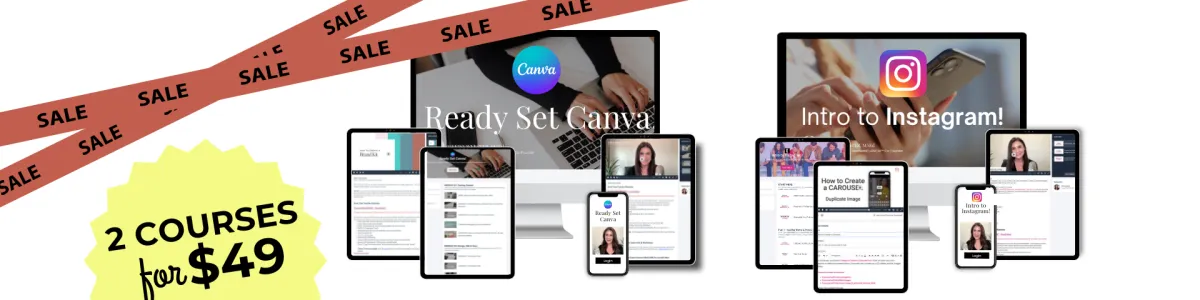
TEACHER SELLERS
Buy My
CANVA Course
for $49...
Get My
INSTAGRAM Course
for FREE!
($49 value)
BOGO OFFER EXPIRES 12/07/25 11:59pm PT
Don't Miss Out!!
Go From No Skills to "WHOA" Skills!
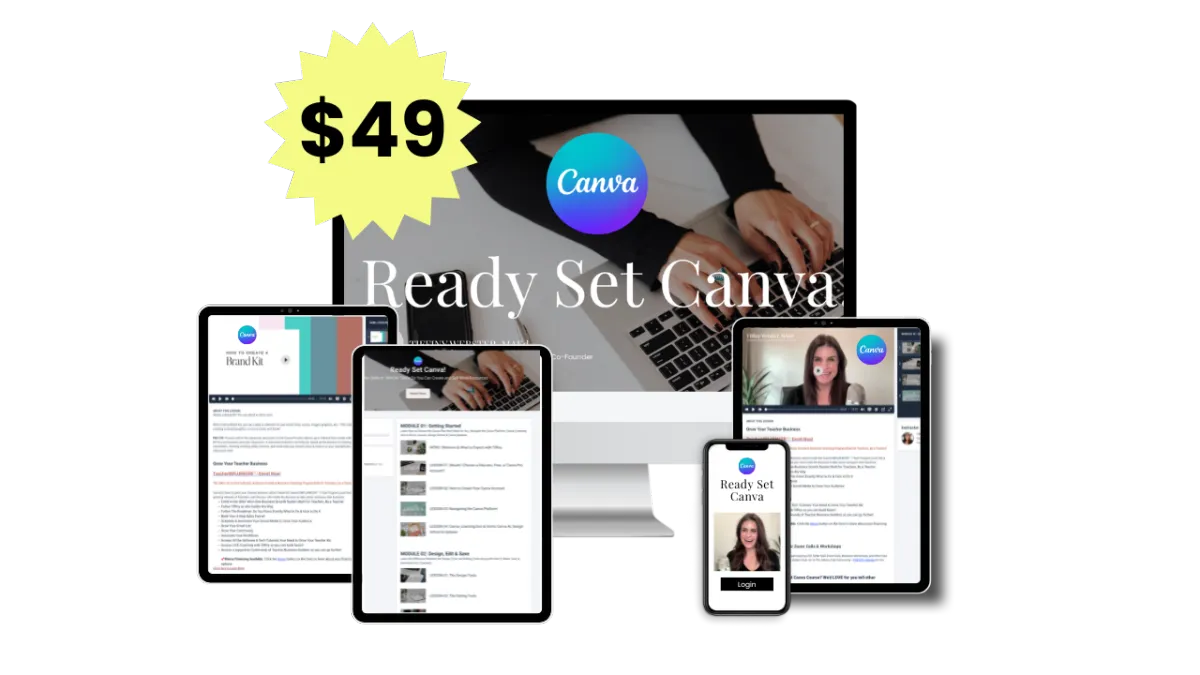
Ready Set Canva!
FOR TEACHER SELLERS
Perfect For Beginners | 4 hrs
Create Branded & Professional Graphics for Your Teacher Resources, Business, and Social Media
MODULE 01
Getting Started with Canva & Choosing Your Account Type
MODULE 02
Navigating the Canva Platform, Design Tools & Editing Tools
MODULE 03
How to Think & Design Like a Pro, The Project Wheel System & Elements of Design
20 + MINI- LESSONS YOU'LL LOVE!
Create a Teacher Brand Kit
Remove the Background
Resize and Image
Retouch Your Face
Create a Professional Profile Pic & Ai
Magic Erase
QR Codes
Mockups for Teacher Sellers
Create PDFs & Lead Magnets
Create & Sell Templates
How to Create a Slideshow
How to Present & Record
Tables & Grids
Meet the Teacher Page
Classroom Newsletter
Lesson Plans
Weekly Planner
Class Labels
Group Work
Infographics
Question of the Day
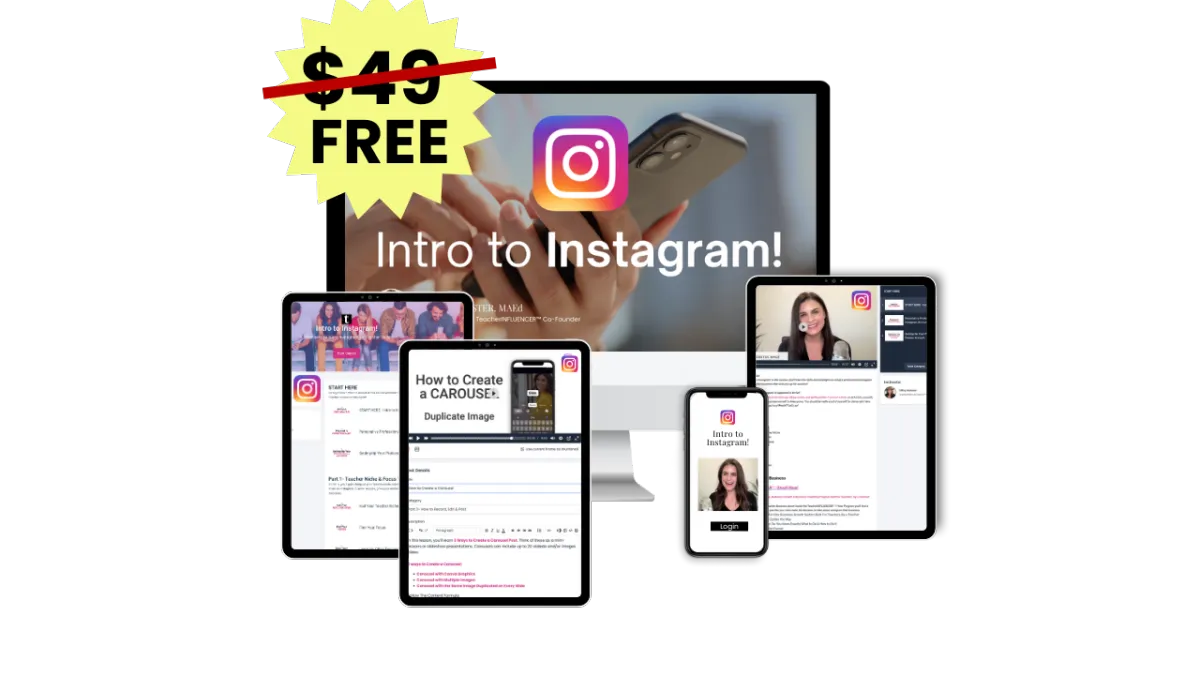
Intro to Instagram!
FOR TEACHER SELLERS
Perfect for Beginners | 4 hrs
Show Up Confidently on Camera, Build an Instagram Following, Connect with Your Ideal Customers, Establish Your Expertise, and Sell More Resources
GETTING STARTED ON INSTAGRAM
How to Set-Up a Professional Creator Instagram Account
PART 01
Establish Your Teacher Niche & Focus Topic
PART 02
What to Post
3 Types of Posts
The Content Formula
The 3 Hook Strategy
The Instagram Checklist
PART 03
How to Post - Step-by-Step Video Tutorials
How to Film Video
How to Film in Your Car
How to Edit
How to Create a Reel in Instagram
How to Create a Reel with the Edits app
How to Create a Carousel Post- 3 Ways
How to Create Instagram Stories
PART 044
The Next Step...
BONUS TRAINING & TEMPLATES:
Canva Training -"Meet the Teacher" Carousel Post- this is my MOST-VIEWED post with thousands of views!!!
My Canva Template- My "Meet the Teacher" Post
My Canva Template- My "Testimonial" Post
🎉 Make 2026 the Year You Show Up and Show Out!